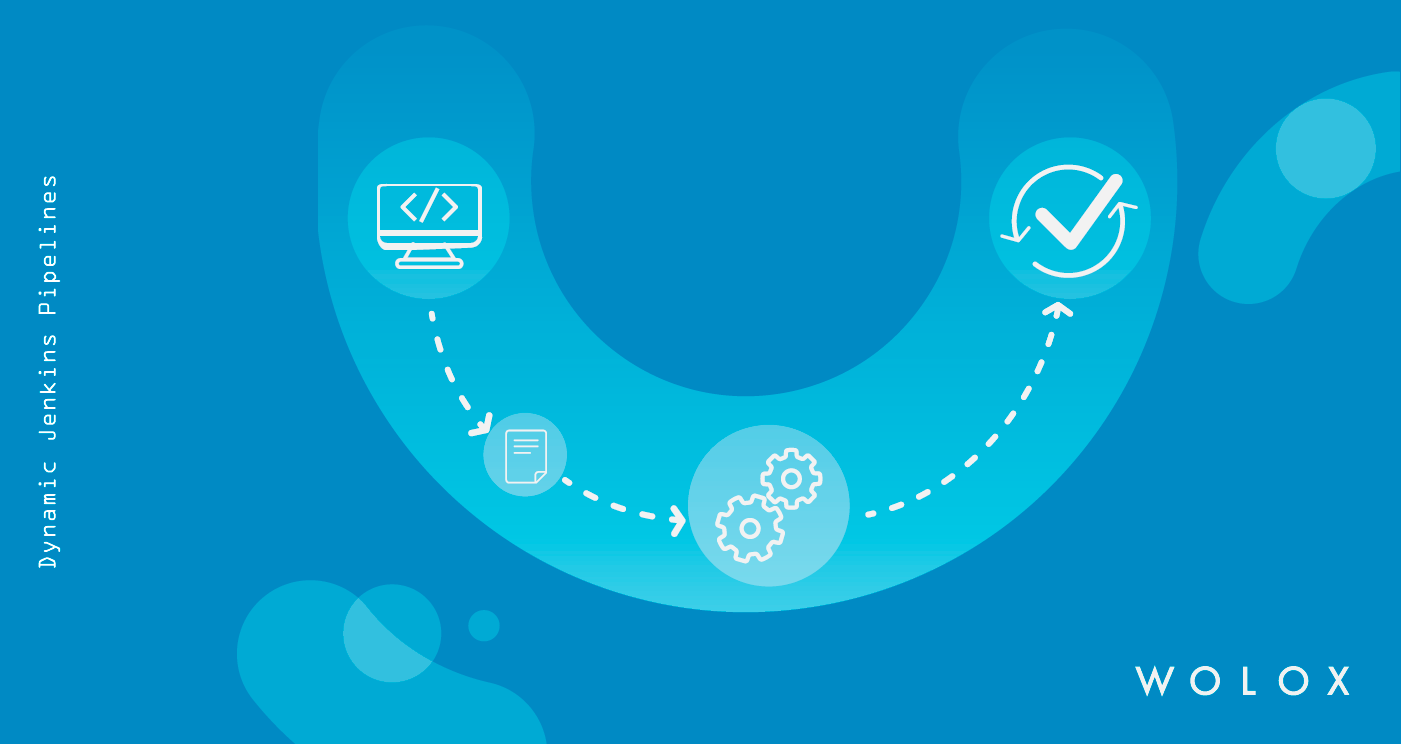
Do you want to experiment with Jenkins CI in a local setup? In this post, we will set up a local Jenkins CI server, create a build job for a simple Spring Boot Maven project, and push the created Docker image to DockerHub.
When setting up a CI/CD pipeline, you need to choose the right tools. Things you should take into consideration include your specific needs, abilities and ease of use. In my last post, I recommended different tools for building a CI/CD pipeline.
Continuous Integration and Continuous Delivery are not new things this days. This practice can help to make your product or project be up and running the last version of your code faster and easier than ever.
One of the things we love about GitLab is that while it can replace all your other software development lifecycle tools (no, really); it doesn't have to. Whether you want to rip and replace everything or use it for one or two stages of your workflow, alongside your existing toolset (for now, or forever), we've got you covered.
At Pantomath, we use GitLab for all our development work. The purpose of this paper is not to present GitLab and all its features, but to introduce how we use these tools to ease our lives.
Continuous Integration (CI) is a software development practice that is based on a frequent integration of the code into a shared repository. Each check-in is then verified by an automated build.
You can check final repo here. But keep in mind that tutorial includes some information about a configuration of the GitLab repo itself. Firstly, we need to create an empty project in GitLab.
Software Engineers use version control repository management systems a lot. They have been a key component in the software development workflow. It makes life way easier to have one copy of an entire project up on a repository rather than each of your team member having individual copies you have to keep matching up to keep up with continuous integration.
Continuous Integration and Continuous Delivery are two of the practices that shape DevOps philosophy today. Basically it includes implementing development and integration workflows where developers commit their changes to the central repository frequently, ensuring that their commits are functional and ready to be deployed to production.
A few years ago our CTO wrote about building a Continuous Integration server for Ruby On Rails using Jenkins and docker. The solution has been our CI for the past years until we recently decided to make an upgrade. Why?
Configuration management tools such as Puppet, Chef and Ansible, which provide the ability to quickly automate config and deployment processes, have become a critical part of many engineering teams’ plans when building new systems.
GitLab recently switched from PhantomJS to headless Chrome for both our frontend tests and our RSpec feature tests. In this post we will detail the reasons we made this transition, the challenges we faced, and the solutions we developed. We hope this will benefit others making the switch.
Ansible is one of the de facto standards for IT automation, and this automation is an essential component of modernization and digital transformation. Today, we’ll see how to automate this testing using Travis CI and Docker.
This is one of the common development cycle of any developer. Most of the time testing and deployment steps do not change frequently and in order to keep the developer focus on writing code we do the automation of testing and deployment.
A few months back I had written about creating a continuous deployment pipeline with Node.js and Jenkins, where the Node.js application was using Couchbase in some fashion.
Your first app is a hit the day it’s launched. But one week later, you realize that it has no retention. You discover that this is because whenever a user clicks the “send” button, their comments get posted twice. The bug was so minor, but it killed your momentum. But that’s okay.
There's going to come a time where you'll want to install Docker and Docker Compose on your production server, and Ansible makes it easy. I’m a huge fan of using Docker and Ansible together, so it’s no surprise that I let Ansible handle installing Docker and Docker Compose in production.
Jenkins is an open source automation server that allows users to setup workflows to that can enable continuous integration. For example, a user could create a workflow that would pull some code from a repository, run some tests and deploy it onto a server, removing a lot of the user interaction from the process so the user can keep on writing code and only have to pay attention if something goes wrong.
The software development industry has grown over the years, from simple software running in one machine to complex systems running on multiple servers in the cloud. Provisioning and managing complex server architecture across different environments can be a challenge.