I often see the question "What’s the best Node.js framework?" crop up on message boards and social media. The replies tend to be full of strong opinions. Some developers will even get into arguments about it.
Cypress is a brilliant program for testing user interface elements. It offers flexibility for testing different types of components, and it handles changing pages fairly well. One of the quirks of Cypress shows up when working with nested components.
Building a modern JavaScript project with front-end libraries like React, Vue, or Angular requires you to configure many development tools so that they can process your JavaScript code. And there are even more tools such as PostCSS for CSS processing and TypeScript for enforcing type checking.
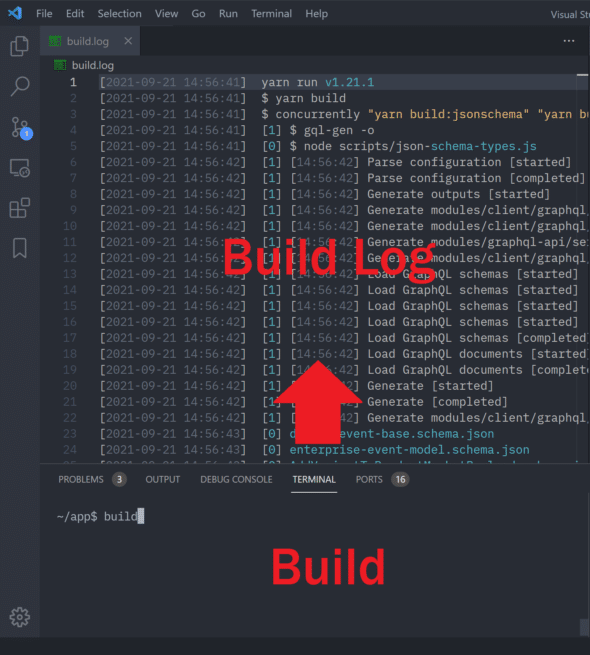
Over the last couple of years, I’ve developed a simple workflow to run builds, tests, and other operations during development that allows me to easily and efficiently examine results. Rather than struggling to find the output in a wall of text in a terminal with limited keyboard support, I simply log each build and test run to a file. Adding a timestamp to each line helps me to avoid stale data.
Working with React.js, it’s a common thing you would see where if something goes wrong, (for instance, a JavaScript error), the entire React.js app would crash and renders blank. Meaning, the UI goes entirely blank leaving the error only in the console.
Is end-to-end testing a painful topic for you? In this article, Ramona Schwering explains how to handle end-to-end testing with Cypress and make it make it not so tedious and expensive for yourself, but fun instead.
A carousel is a UX component that displays content in a slideshow-like manner. Large, above-the-fold carousels often contain a page's Largest Contentful Paint (LCP) element, and therefore can have a significant impact on LCP.